
A Smarter Canva Alternative for Carousels
Canva is an excellent tool for general design, but it wasn't built specifically for carousels. See how Krixa AI automates carousel creation from idea to finished design, helping you create engaging content faster.
No credit card required · 3 free carousels to start
One workspace, every channel
Everything you need to publish today.
Krixa AI focuses on the formats that actually move the needle for creators and small teams.
Instagram Carousels
Multi-slide posts that look designed, not generated.
Instagram Captions
Hooks, body and CTA — ready to paste.
LinkedIn Posts
Authority-building takes with the right structure.
TikTok Posts
Mobile-first captions for TikTok slideshows.
Facebook Posts
Friendly long-form posts tuned to your audience.
X Threads
Tightly-written threads that earn the scroll.
Pinterest Pins
Keyword-rich titles and descriptions built for search.
WhatsApp Promotions
Punchy promos sized for chat, not feeds.
Email Campaigns
Subject line + body, built to convert.
Why AI-Powered Carousel Creation
Built for the work, not the demo.
AI Content & Design
Go from a single prompt to a complete multi-slide carousel with AI-generated text and designs, instead of starting from a blank page.
Purpose-Built for Carousels
Our editor is designed for the carousel workflow, unlike general-purpose graphic design tools that require manual slide-by-slide creation.
Automated Slide Creation
Stop creating pages one by one. Krixa generates all your carousel slides instantly, ensuring perfect consistency.
Brand Consistency Made Easy
Apply your brand kit (colors, fonts, logo) across every slide with a single click. No more tedious manual updates on each page.
Intelligent Content Structure
Krixa's AI understands what makes a great carousel, structuring your content with a hook, main points, and a call-to-action for better engagement.
End-to-End Workflow
Generate copy, design visuals, and get scheduling suggestions all in one place, eliminating the need to switch between multiple tools.
How it works
From idea to published in three steps.
Enter your topic or website
Start from a one-line prompt, a URL, or your brand kit.
Generate your content
Krixa AI writes, designs and styles every slide and caption.
Export and publish
Download PNG/PDF or copy ready-to-paste captions.
Why General Design Tools Like Canva Fall Short for Carousels
Canva is a versatile and popular graphic design platform, and for good reason. It excels at creating static images, flyers, and presentations. However, when it comes to a specific, sequential format like social media carousels, its generalist nature reveals its limitations. Creating a carousel in Canva is a fundamentally manual process. You build each slide as a separate page, which can be time-consuming and prone to inconsistencies. Imagine you're on slide seven of ten and decide to change a headline style or adjust the spacing; you often have to go back and manually apply that change to all previous slides. This repetitive work slows down the content creation process significantly. The workflow often involves writing copy in a separate document, sourcing images from another, and then assembling everything piece by piece in Canva. This context-switching drains creative energy and adds friction to your workflow. While you can certainly create beautiful carousels in Canva, the tool wasn't purpose-built for the narrative, multi-slide format. It treats each slide as an individual design, not as part of a cohesive, flowing story, making it a less than ideal choice for creators and marketers who produce carousels at scale.
The Krixa AI Advantage: From Prompt to Carousel in Seconds
This is where a specialized tool like Krixa AI offers a distinct advantage. Instead of providing a blank canvas, Krixa offers an intelligent, automated starting point. The entire process begins with a single prompt or topic. For example, you could input '5 ways to improve productivity'. Krixa's AI doesn't just generate random text; it understands the structure of a high-performing carousel. It creates a compelling hook for the first slide, develops five distinct points for the middle slides, and drafts a concluding slide with a call-to-action. Simultaneously, it builds the visual design for this content. It selects appropriate layouts, balances text and imagery, and applies your pre-set brand kit (logos, colors, and fonts) across all slides instantly. This transforms the creation process from hours of manual design work into less than a minute of AI generation followed by a few minutes of refinement. The result is a nearly-complete, professionally structured carousel that is already on-brand. By leveraging AI to handle the tedious work of content structuring and slide-by-slide design, Krixa allows you to operate at a strategic level, focusing your energy on perfecting the message rather than wrestling with alignment guides and font sizes.
Beyond Creation: A Smarter Workflow for Social Content
The efficiency of a dedicated Canva alternative for carousels extends beyond a single post. It impacts your entire content strategy. Using Krixa streamlines your workflow, allowing for greater consistency and volume. With a centralized brand kit, every piece of content you generate automatically adheres to your visual identity, strengthening brand recognition. The platform isn't just a design tool; it's a content engine. Once your carousel is generated, the AI can also draft engaging captions to accompany it, complete with relevant hashtags. This eliminates another step in the process, keeping everything within a single, unified interface. This integrated approach is especially valuable for marketers and agencies managing multiple accounts or campaigns. The ability to move rapidly from an initial idea to a polished, ready-to-post carousel, complete with text and visuals, enables a more agile and responsive social media presence. By automating the most time-consuming parts of carousel production, Krixa frees up valuable hours that can be reinvested into strategy, community engagement, and analyzing performance—the activities that truly drive growth. It's about working smarter, not harder, to achieve your social media goals.
Beyond carousels
One brief. Every format. Ready to post.
Krixa AI generates polished, on-brand copy for every channel — not just placeholder text.

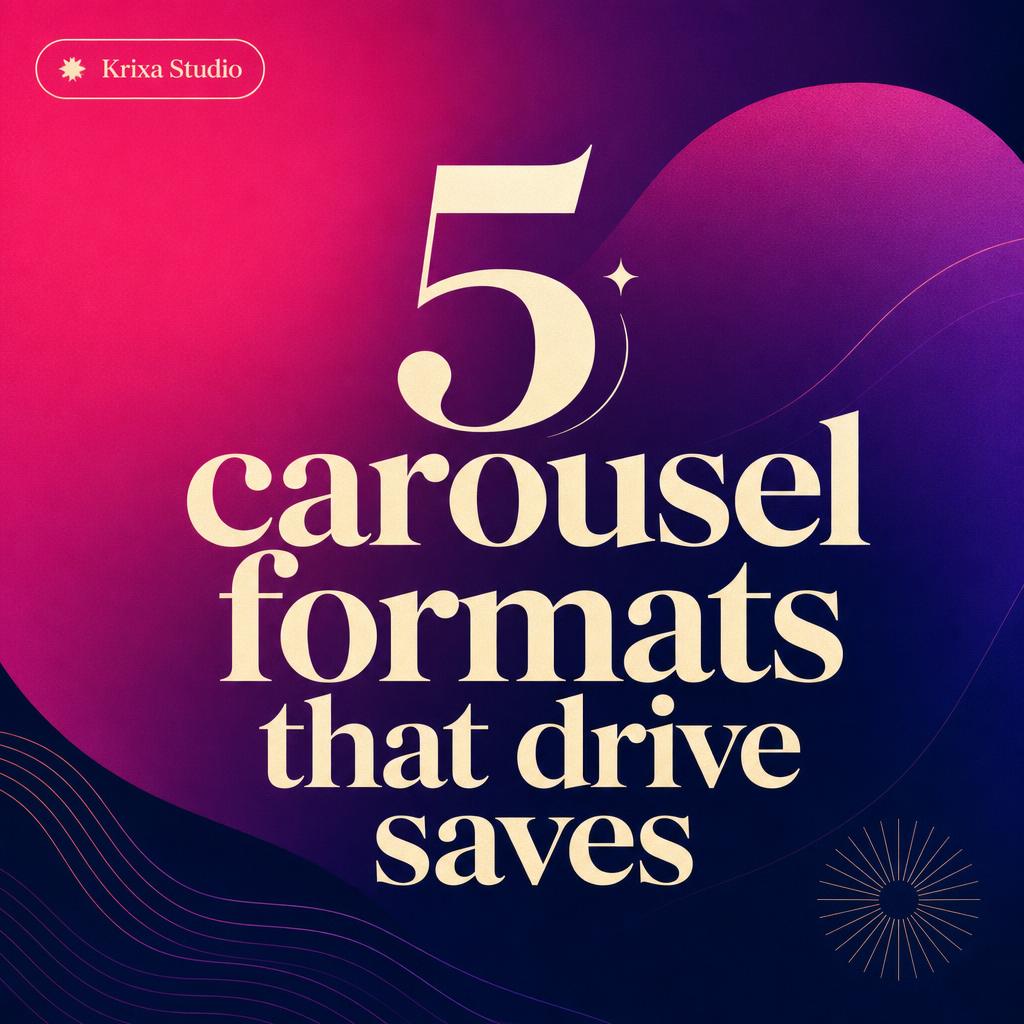
Stop guessing what to post. ✨ Here are 5 carousel formats that consistently drive saves (with templates inside). Tap save and thank yourself later.
#contentcreator #marketingtips #socialmediastrategy

I used to spend 6 hours building a single launch carousel.
Now I spend 6 minutes — and engagement is up 3x.
Here's the exact workflow ↓
Swipe → the 5 layouts that save my week.
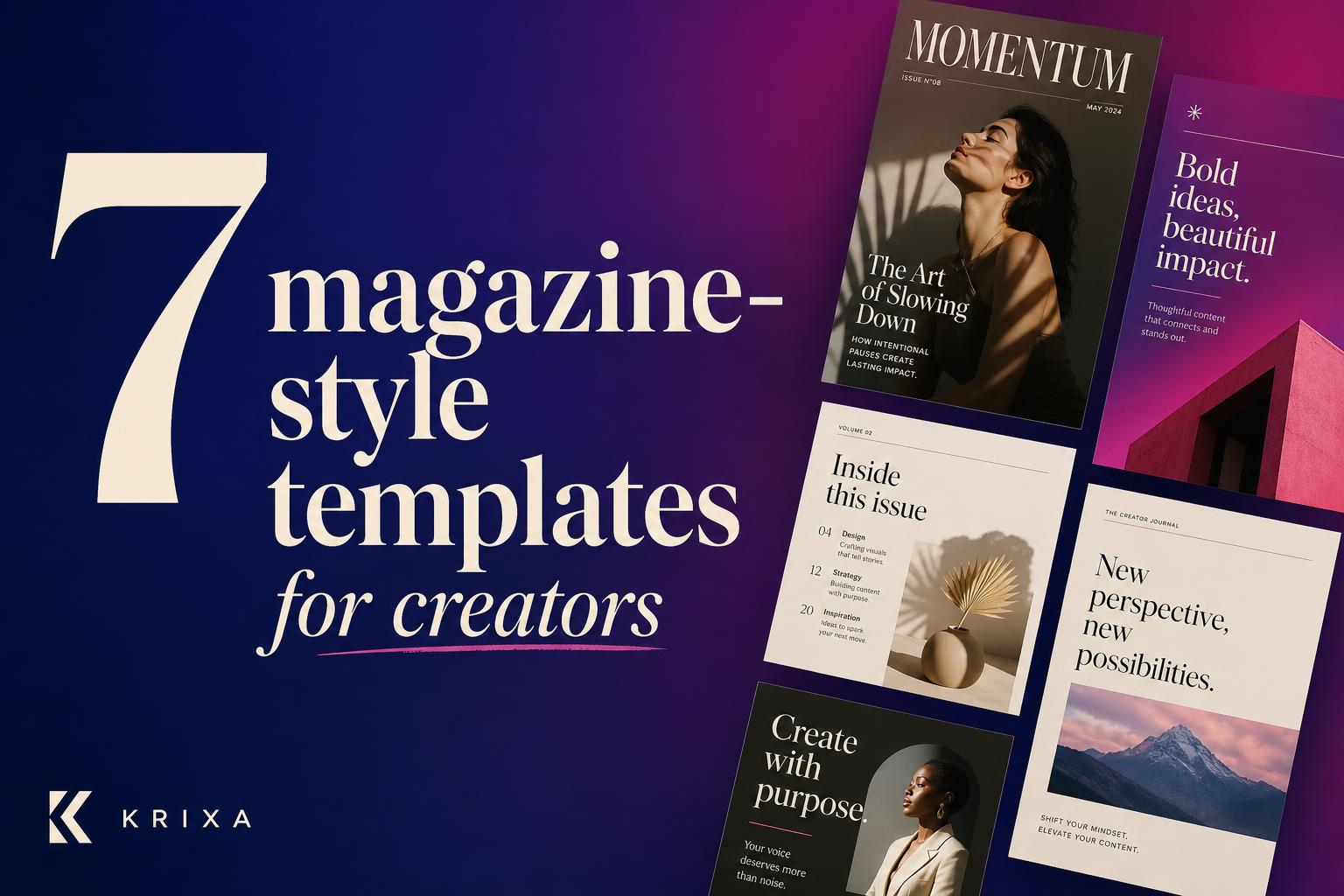
We just shipped 7 brand-new templates — designed for creators who want their feed to look like a magazine, not a moodboard. Tap below to try them free.
7 carousel hooks that stop the scroll 🧵
(steal these for your next post)
Use code SPRING30 at checkout.
👉 krixa.ai/shop

We're kicking off spring with our biggest drop of the year — and you're first to know.
Shop the drop →
FAQ
AI-Powered Carousel Creation questions, answered.
Related tools
Explore the Krixa AI platform
Krixa AI is an AI-powered content creation and automation platform — explore related tools across the platform.
Content Creation Automation
Content Creation Automation that ships every day
Krixa AI automates the full content creation loop — planning, writing, designing and packaging — so your channels are never empty and your team is never blocked.
Learn moreFor Business Owners
Krixa AI for Business Owners
Run your business and your marketing. Krixa AI generates social posts, carousels, promotions and emails for your business — on-brand, in minutes, without hiring a team.
Learn moreTikTok Post Generator
TikTok Post Generator that earns the scroll
Mobile-first, conversational TikTok captions written to accompany your TikTok slideshow carousels. Krixa AI writes the hook, body and CTA — calibrated for TikTok — in your brand voice, in seconds.
Learn morePinterest Carousel Generator
Pinterest Carousel Generator that writes and designs every slide
Turn one topic or URL into a fully-designed Pinterest carousel — copy, layout, colours and fonts — exported at 1000 x 1500 (2:3) and ready to post.
Learn more